Who this is for: All users
With your profile and initial tools ready, use this routine to begin working. The goal is to know what to review, what to record and what should happen next.
Step by step
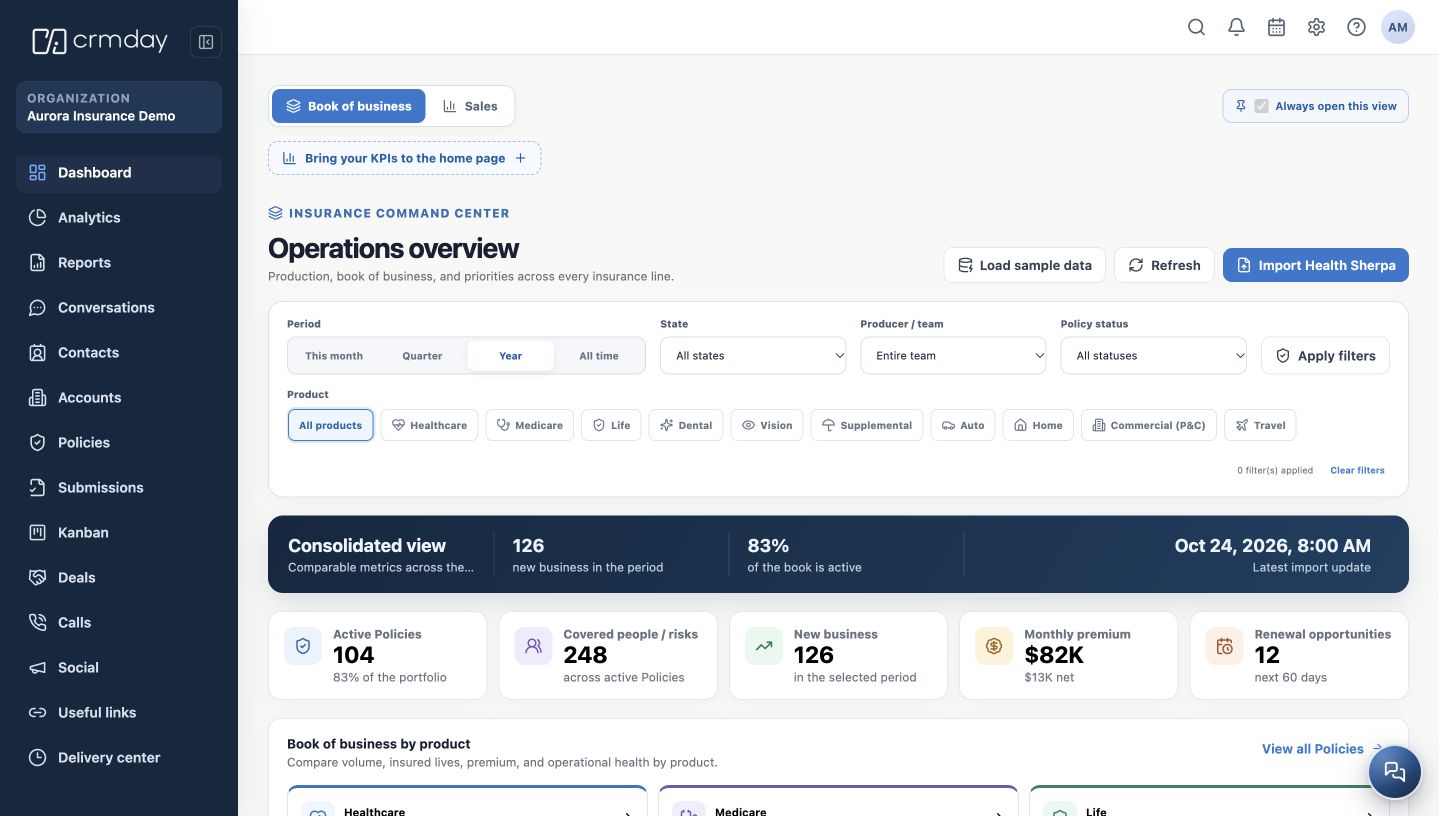
- Check the active agency and open Dashboard. Review your portfolio priorities. An indicator representing records can open the corresponding list.
- Use search or Contacts to find the client before creating a new person. Make sure you are viewing the correct record.
- Review available information and related records: policies, deals, conversations, documents and activities.
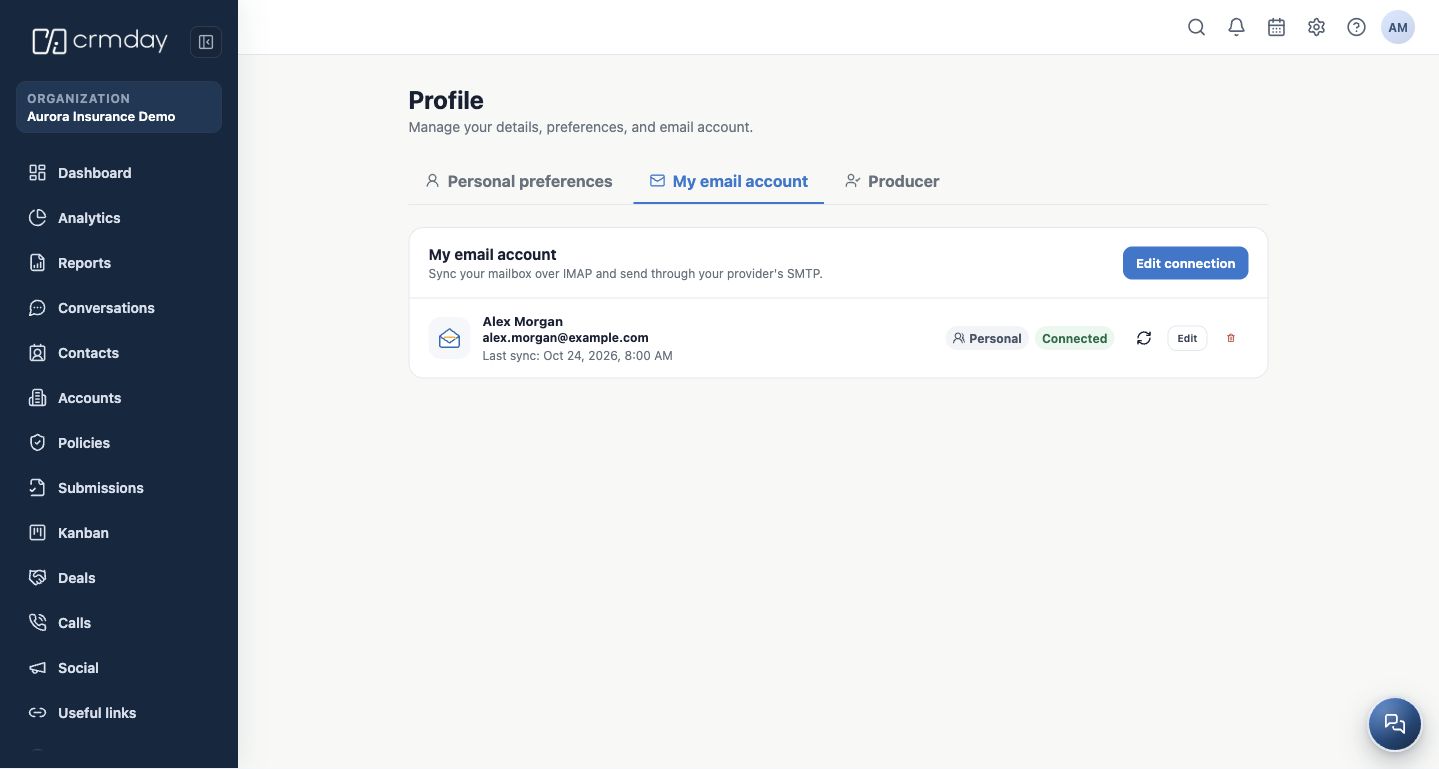
- Use the available communication channel. When writing an email, check the recipient and the personal or shared sender before sending.
- When a signed form is needed, use an approved template and check the contact, language and responsible Producer before generating and sharing the link.
- Record the next action as a task or appointment and check notifications. If a feature is unavailable, open Help & Support or contact your administrator.
Ready-to-start checklist
- Name, language, time zone and formats reviewed.
- Producer configured if you perform that role.
- Agency details reviewed by the responsible person.
- Personal email connected or shared sender authorized.
- Email signature reviewed.
- Required templates available, with language and preview checked.
Return to these chapters whenever needed. Detailed contact management, conversations, policies and renewals will be covered in the next manual categories.
How to check you are ready
You know where the client is recorded, what has been done and which activity keeps the follow-up moving.