Who this is for: All users
Each record has a different purpose. Understanding the difference helps you store information in the right place and find its history later.
The records you use every day
| Record | Purpose | Fictitious example |
|---|---|---|
| Contact | The person you have a relationship with. | Sam Taylor, an agency client. |
| Account | A company or commercial account in the CRM, when used by your agency. | Taylor Market Demo, a company related to a contact. |
| Deal | An opportunity being followed through the sales process. | Sam’s interest in life insurance. |
| Policy | The insurance record, with product, carrier, coverage dates, insured people and status. | Sam’s Health insurance record with its coverage dates. |
| Task | An action someone needs to complete and track. | Ask Sam for the missing document. |
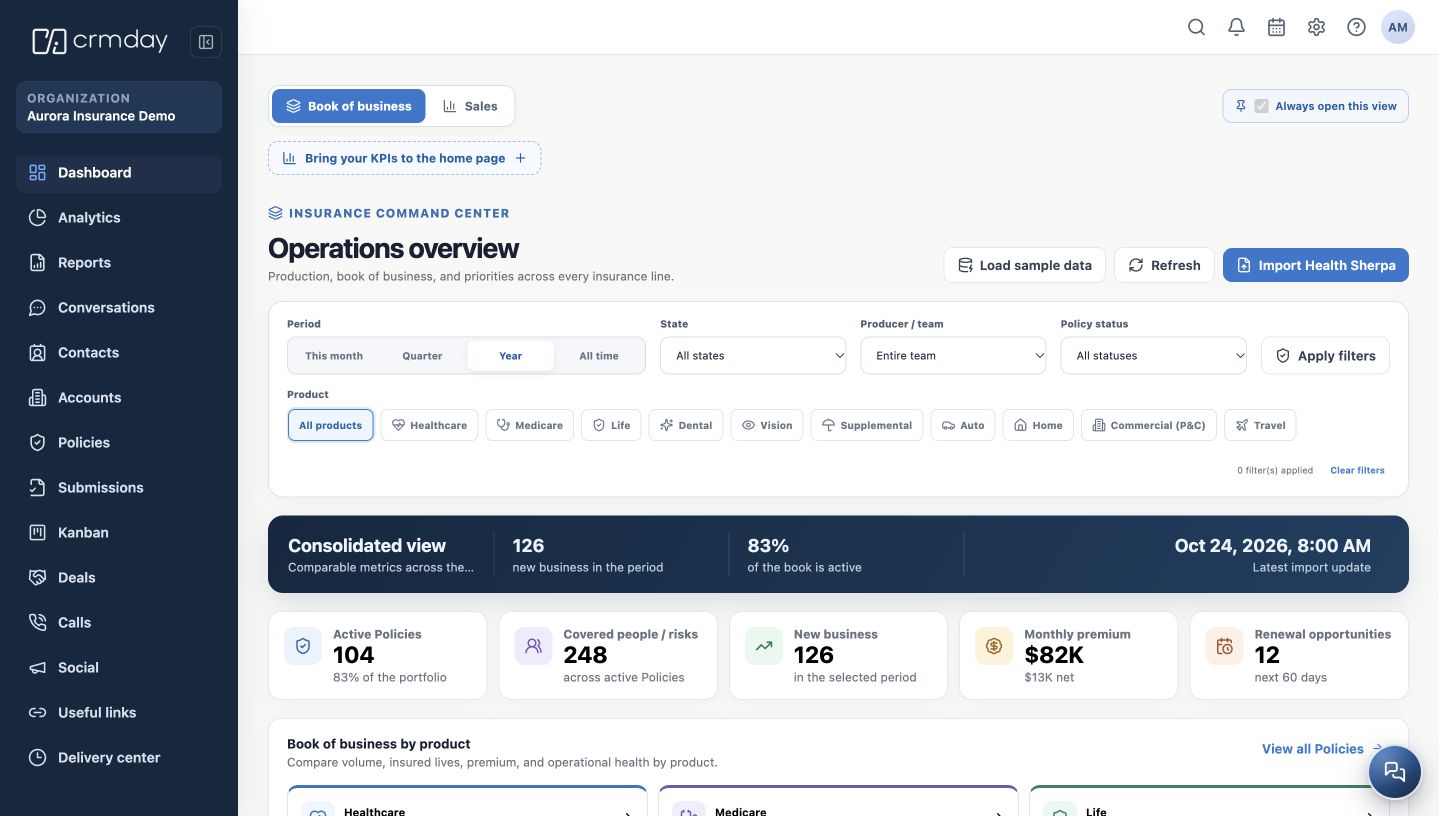
| Organization / agency | The selected CRMDAY One workspace. | Aurora Insurance Demo. |
How they connect
One contact can have several related deals, policies and tasks. The contact represents the person; each policy represents an insurance record. An opportunity still being discussed should not be treated as an active policy.
A CRM Account is not your sign-in account
The Accounts module organizes commercial records. It does not represent your login or the agency selected in the sidebar.
Family members and policy dependents do not necessarily become separate contact records automatically. Review the existing record and relationships before creating new entries.
How to check you are ready
You know where to keep a person’s information, follow a sale, record insurance and track the next action.