For: CRMDAY One users with the Insurance profile.
Validate the analysis
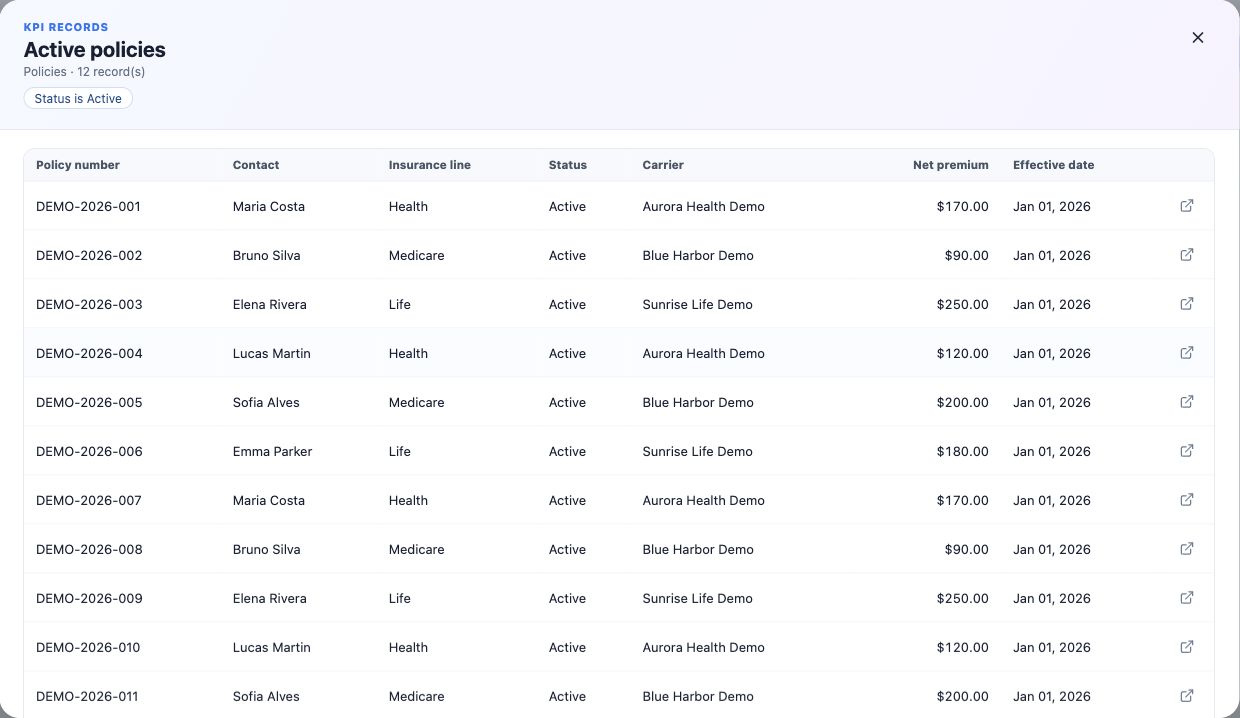
- Open an Indicator or Goal number, Trend point or actionable category.
- Read applied scope and record count.
- Check samples, pagination and individual records when needed.
- Compare with a query using the same module, dates and filters.
Record counts do not equal premium sums. Check field values and calculation for monetary KPIs.
Edit a saved definition
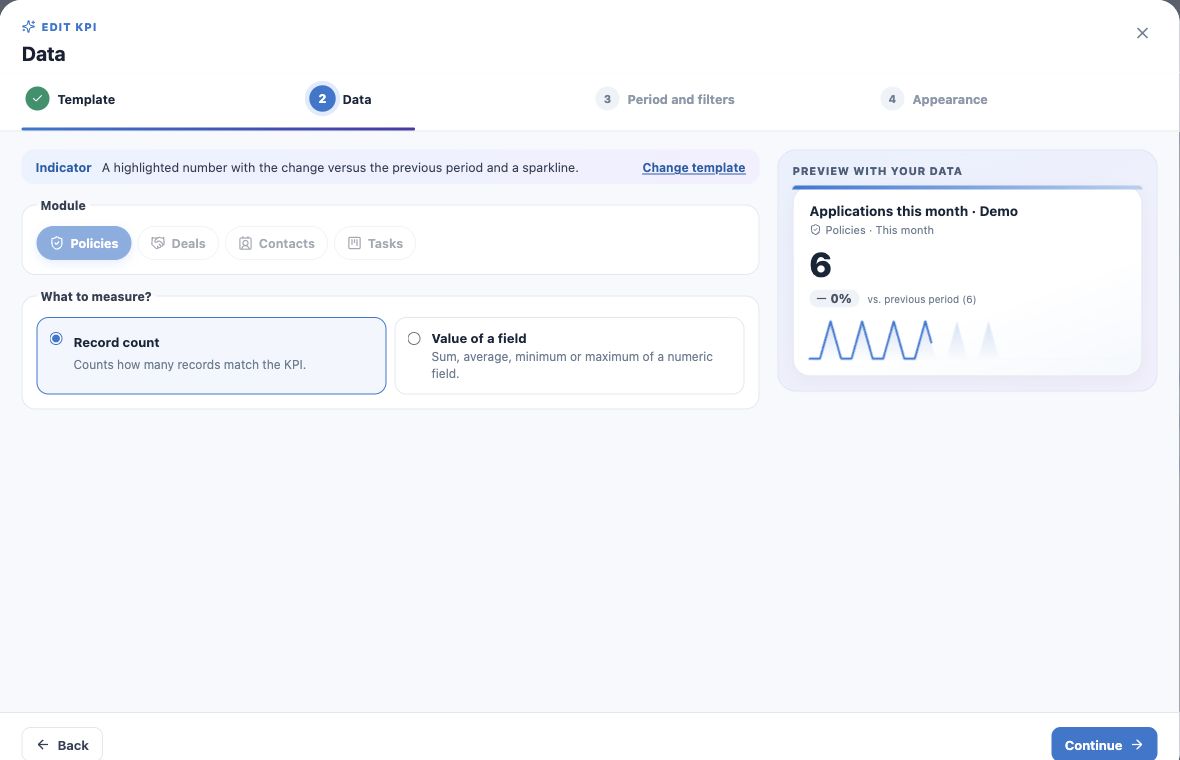
- Choose Edit KPI from the card menu when allowed.
- Review Data, Period and filters, Appearance.
- Save changes.
- Reopen and check the placements using it.
Editing changes the reused definition. The module is locked when editing; create a new KPI for another module. Reload current configuration before retrying a concurrent-change conflict.
Distinguish removal and deletion
| Action | Effect |
|---|---|
| Remove from dashboard | Removes that card; preserves its definition. |
| Remove from home page | Removes your personal pin; preserves other placements. |
| Delete KPI | Deletes the definition and its dashboard/home placements. |
| Delete dashboard | Removes the collection; not client or policy records. |
Read deletion confirmations. Remove a placement when the definition is still useful.
Investigate unexpected results
- Confirm count versus value and the numeric field.
- Check application, creation, effective or expiration date and range.
- Separate current book from period production.
- Review empty categories, Owner and pipeline context.
- Remember Top N and Other summarize categories.
- For empty previews, check field values and accessible records.
Understand user differences
Organization dashboards can show different numbers to users with different record visibility. Unavailable fields/modules can hide an indicator or display a warning. Sharing configuration does not grant data access.
Ask the administrator about missing access. Do not copy data to bypass restrictions. Refresh queries data again; it does not import carrier records.
Maintain clear definitions
Document the question, unit and criteria in name and description. Review targets and dates when operations change, considering all dashboards and homes reusing a KPI.
For help, provide KPI name, module, period, filters and expected result without unnecessary client data. Return to planning and the wizard for another indicator.
Keep learning
- Plan your KPIs and learn the Analytics wizard
- Create numeric indicators and production goals
- Create application and renewal trends
- Compare carriers and show product share
- Create funnels and rankings for team follow-up
- Build custom dashboards and use the insurance template
- Put KPIs on your home page
- Organize activities and processes with Kanban
- Stay on top of your day
Updated October 25, 2026.